Read-only by design
moasy.tech never writes back to Jira, Linear, GitHub, Azure DevOps, Vercel, Waroom or incident.io. Nothing changes in the tools your team already uses day to day.
FEATURE
Jira, Linear, GitHub, Azure DevOps, Vercel, ArgoCD, Waroom and incident.io — read-only, nothing to migrate, nothing to configure in those tools themselves.
Every integration only reads what already exists in your tools — no write-back, no new process imposed on your team. Sync runs incrementally, triggered manually or automatically once a day. A single provider can have several integrations (two Jira boards, one per team, for example), each with its own run history. Azure DevOps is three independent connectors (Boards, Repos, Pipelines), so you only connect the parts your team actually uses. These same connections are what power DORA Metrics and Flow Metrics — nothing to configure twice.
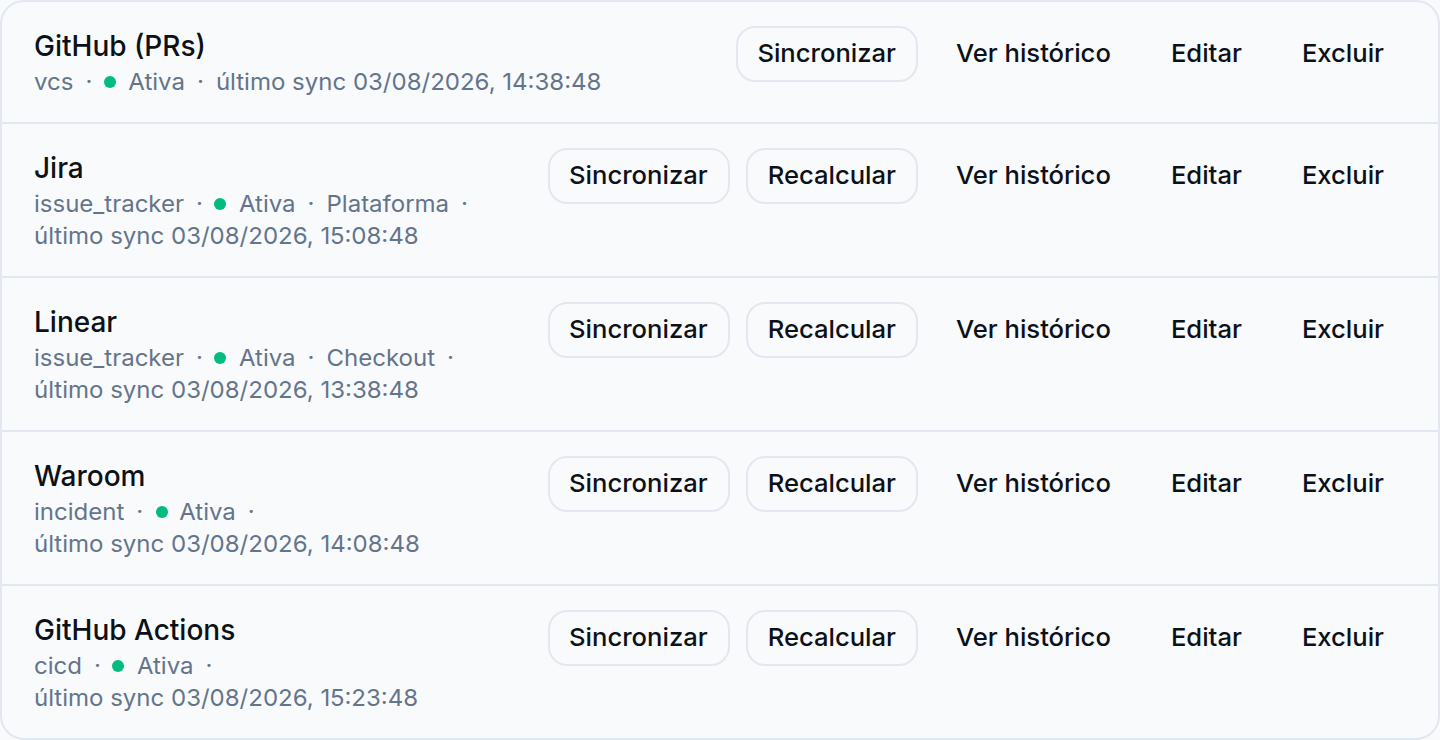
Illustrative data, for demonstration purposes only.
Paste a scoped credential — moasy.tech validates it against the provider before saving, so a bad token fails clearly instead of breaking a sync three weeks later.
Incremental sync runs on a manual trigger or once a day on its own. Each integration keeps its own run history, independent of every other one.
Providers like GitHub, Waroom and ArgoCD can sync everything the token sees first — an admin links each repo, project or board to a platform team afterward, once there's real data to choose from.
A sync going stale or a credential needing reconnection fires an in-app alert, not a silent gap in the dashboard.
moasy.tech never writes back to Jira, Linear, GitHub, Azure DevOps, Vercel, Waroom or incident.io. Nothing changes in the tools your team already uses day to day.
A sync going stale or a credential needing reconnection triggers an in-app alert — you don't find out three weeks later that a dashboard's been running on old data.
A bad token fails clearly, at save time — it never gets silently stored and breaks a sync later.
Multiple integrations per provider means onboarding team by team, without merging boards or repos into one artificial structure.
No — unlike the other providers, Vercel Access Tokens carry the full permissions of the account that generated them. You can only limit which resources a token reaches (down to a single project, via a scoped token), never which actions it can take. Always generate one scoped to a single project, never a "Full Account" token.
No. For providers that support it — GitHub, Waroom, ArgoCD among them — you can sync everything the token sees first, then link each project, repo or board to a platform team afterward, once there's real synced data to choose from.
No — Azure DevOps is three independent connectors. Connect only the parts your team actually uses.
It's the newest one — built against incident.io's public documentation, with its auth endpoint verified, but not yet synced against real incident data, and it doesn't resolve an incident to a specific team yet the way Waroom does. It's real and connectable today, just earlier-stage than the other 7 providers — expect that to catch up.